On an iPhone
SafariThe app shows you these steps when you open it.
- Tap Get the app in Safari.
- Tap Share, then Add to Home Screen, then Add.
- Open HandoverMark from your Home Screen and create your account.
When a customer says you caused the scrape, or never agreed to the extra work, it's on the report: photos, times and their approval.
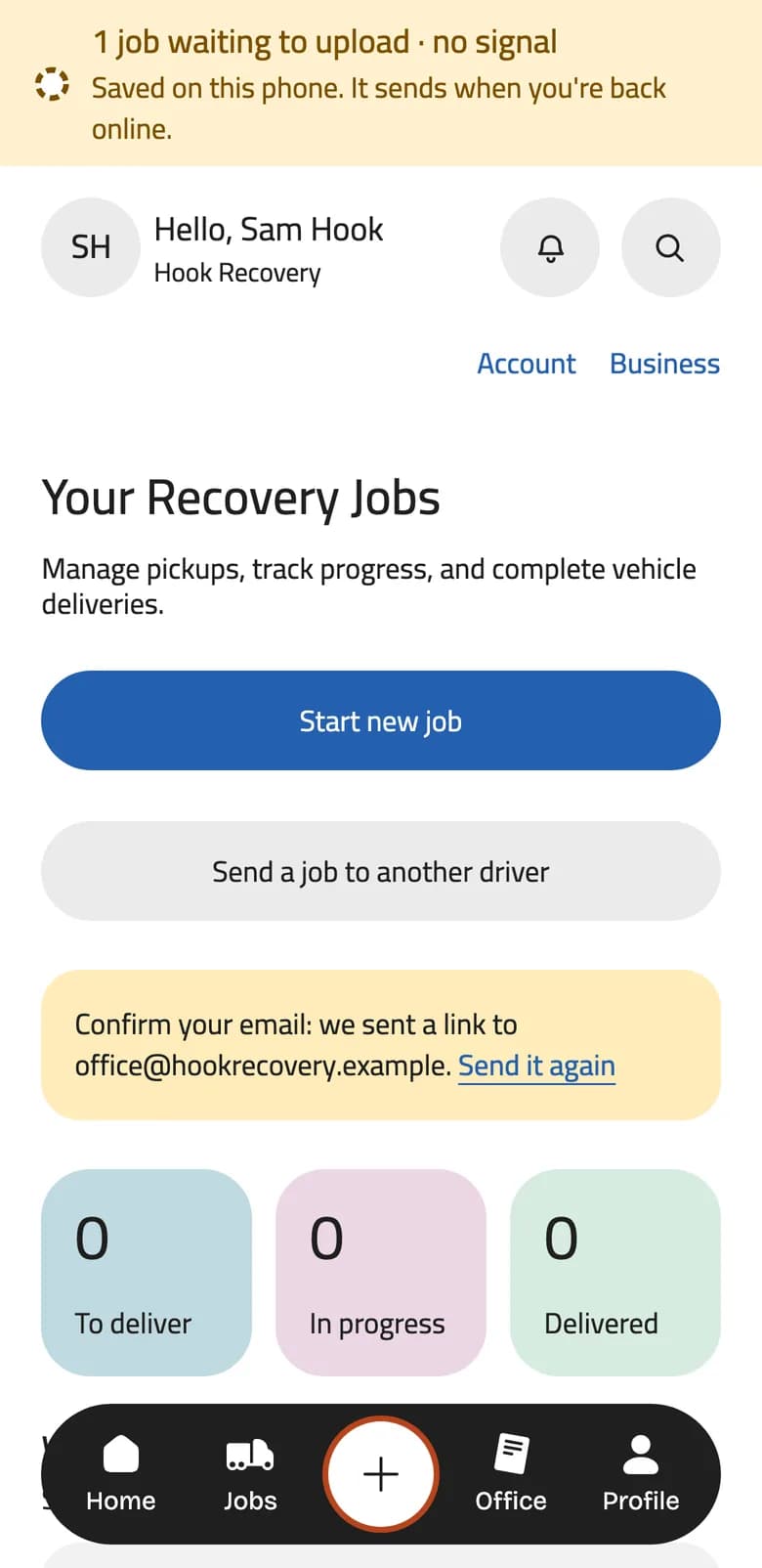
Record the car when it comes in, ask the customer to approve any extra work by link, and record it again when it goes back. Each step has photos, times and a signature. It works with no signal: it saves on the phone if the signal drops and sends when it’s back.
£50 a month for the business, owner included. £10 for each extra user. 14 days free, no card.
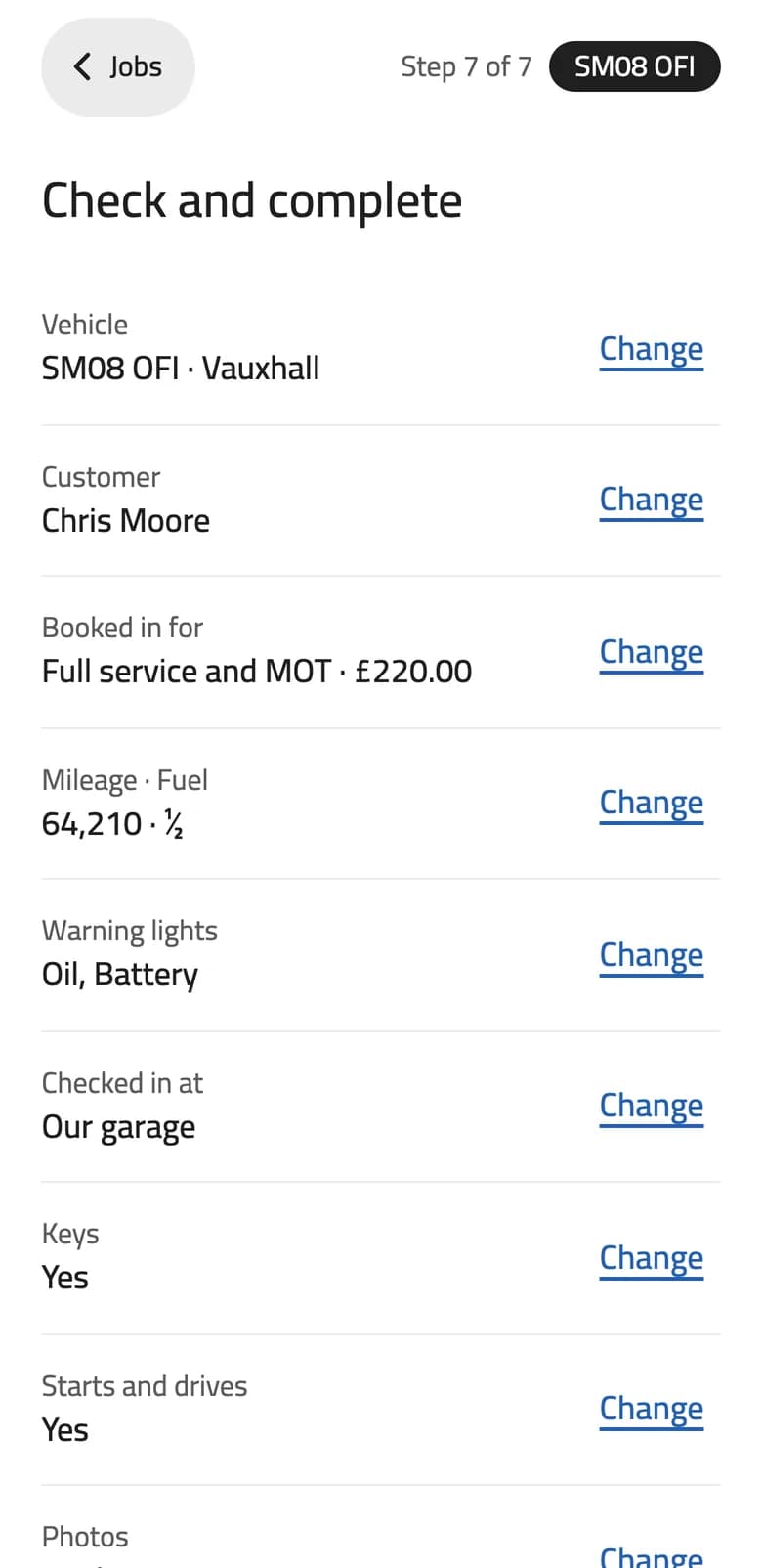
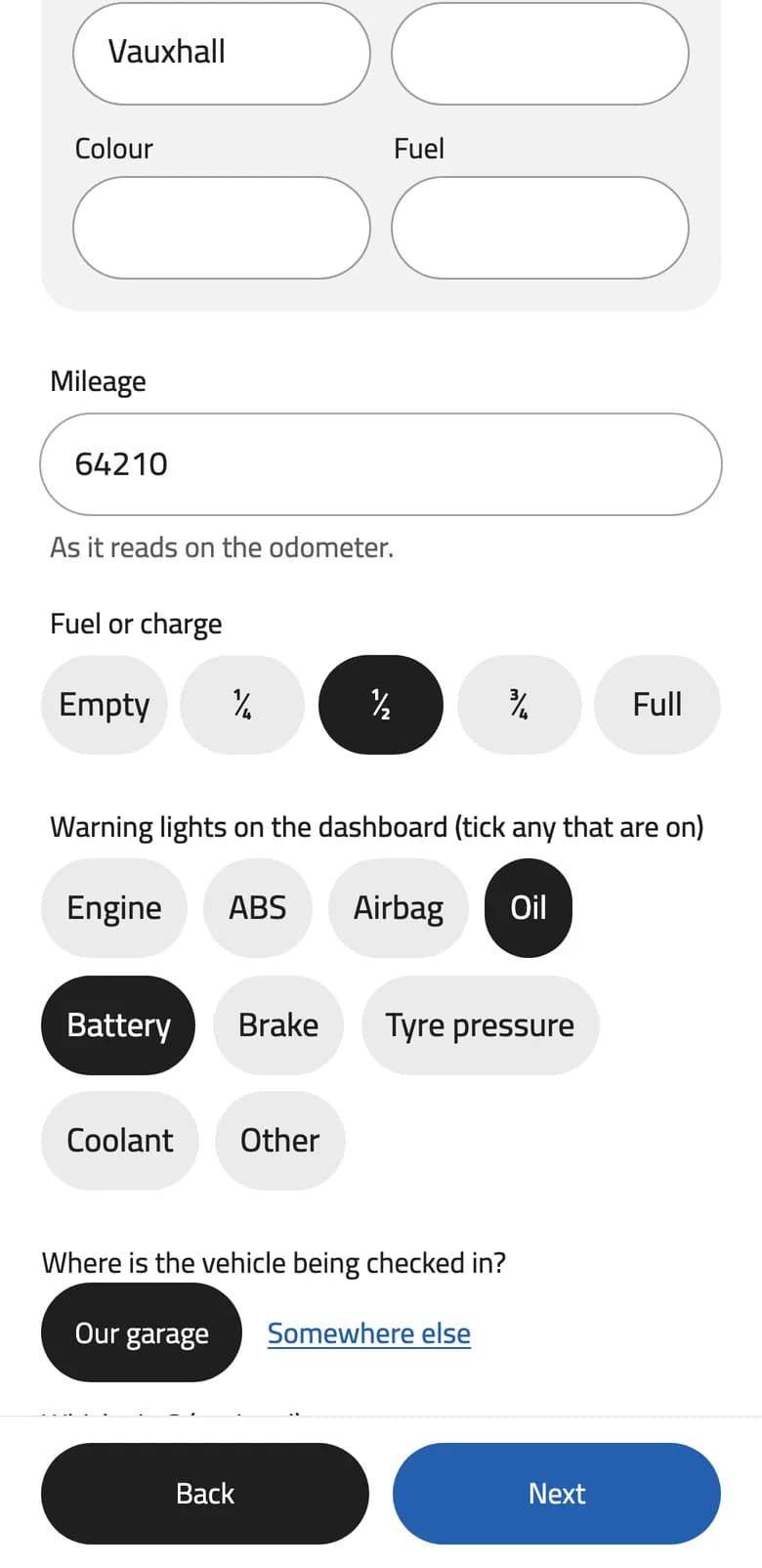
1 of 3
Note the work the car is booked in for and the estimate. Record mileage and fuel. Tick any warning lights on the dashboard. List what is left in the car. Then the walk-round photos from the plate, damage marks on five views, and the customer's signature to authorise the work. If the customer isn't at the desk, send a signing link by WhatsApp, text or email and they sign on their own phone. Add up to three clips of under 60 seconds to a job, for what photos miss.
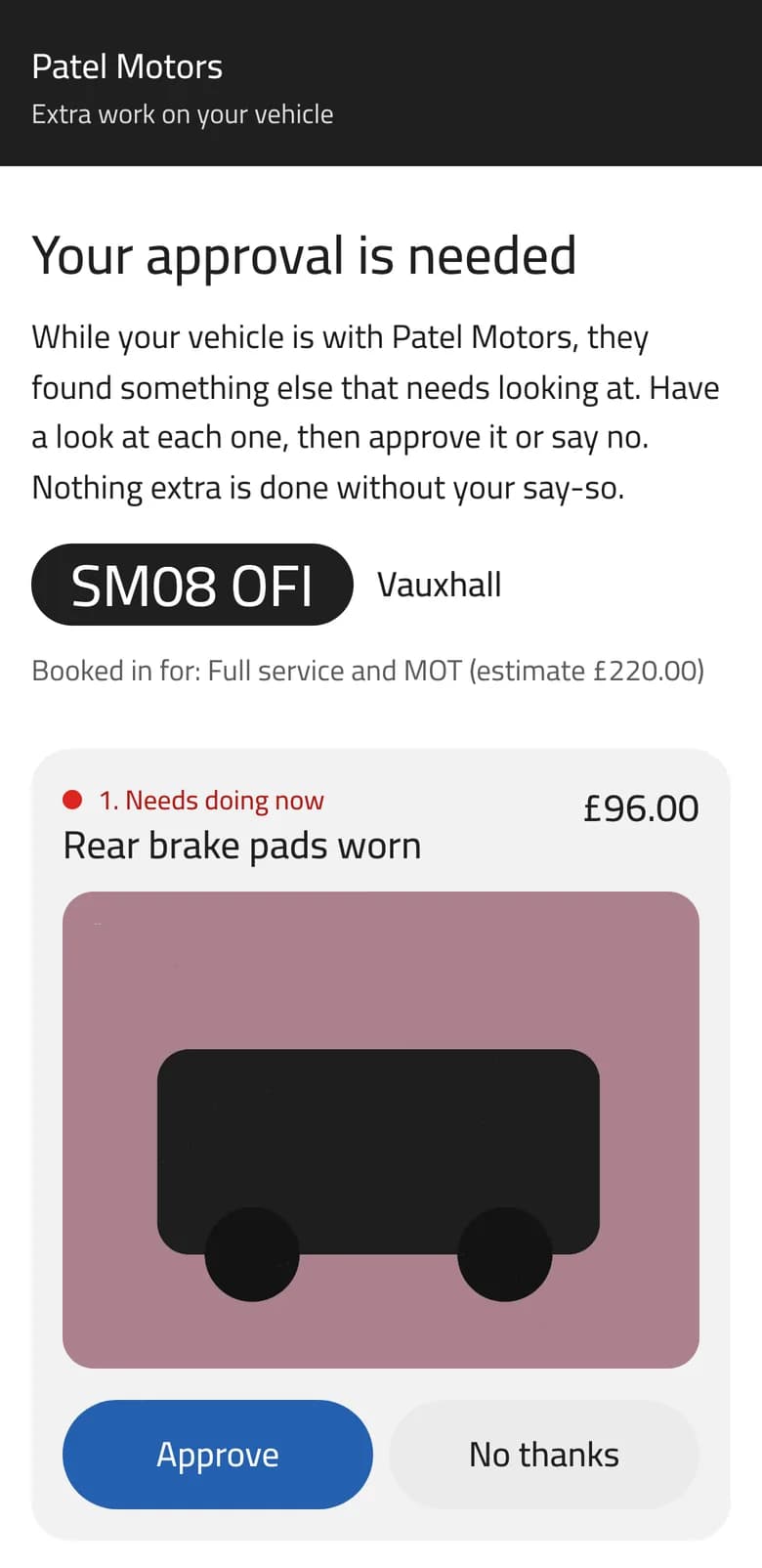
2 of 3
When the mechanic finds something else, add it to the job with photos or a clip, a price, and whether it needs doing now or can wait. The customer gets a link. They approve or decline each item. Each answer is timed and goes on the report.
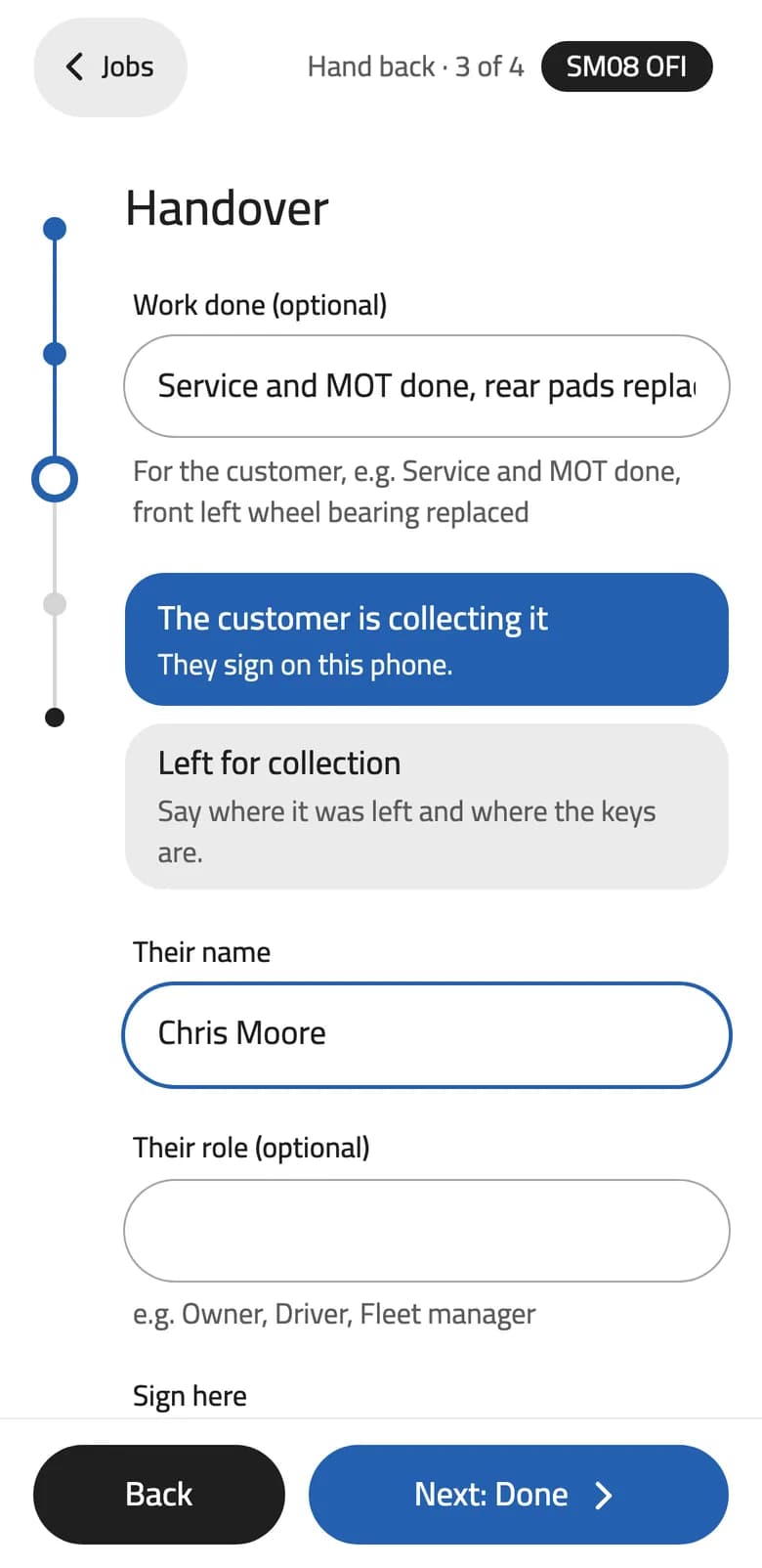
3 of 3
Record the work done and the items returned. Walk round the car again. The customer signs. The report shows the car as it came in and as it went out.
A PDF with your logo, the photos, the damage marks, the times and the signatures. Its title is “Vehicle Check-in and Condition Report”. Send it by email or as a WhatsApp link.
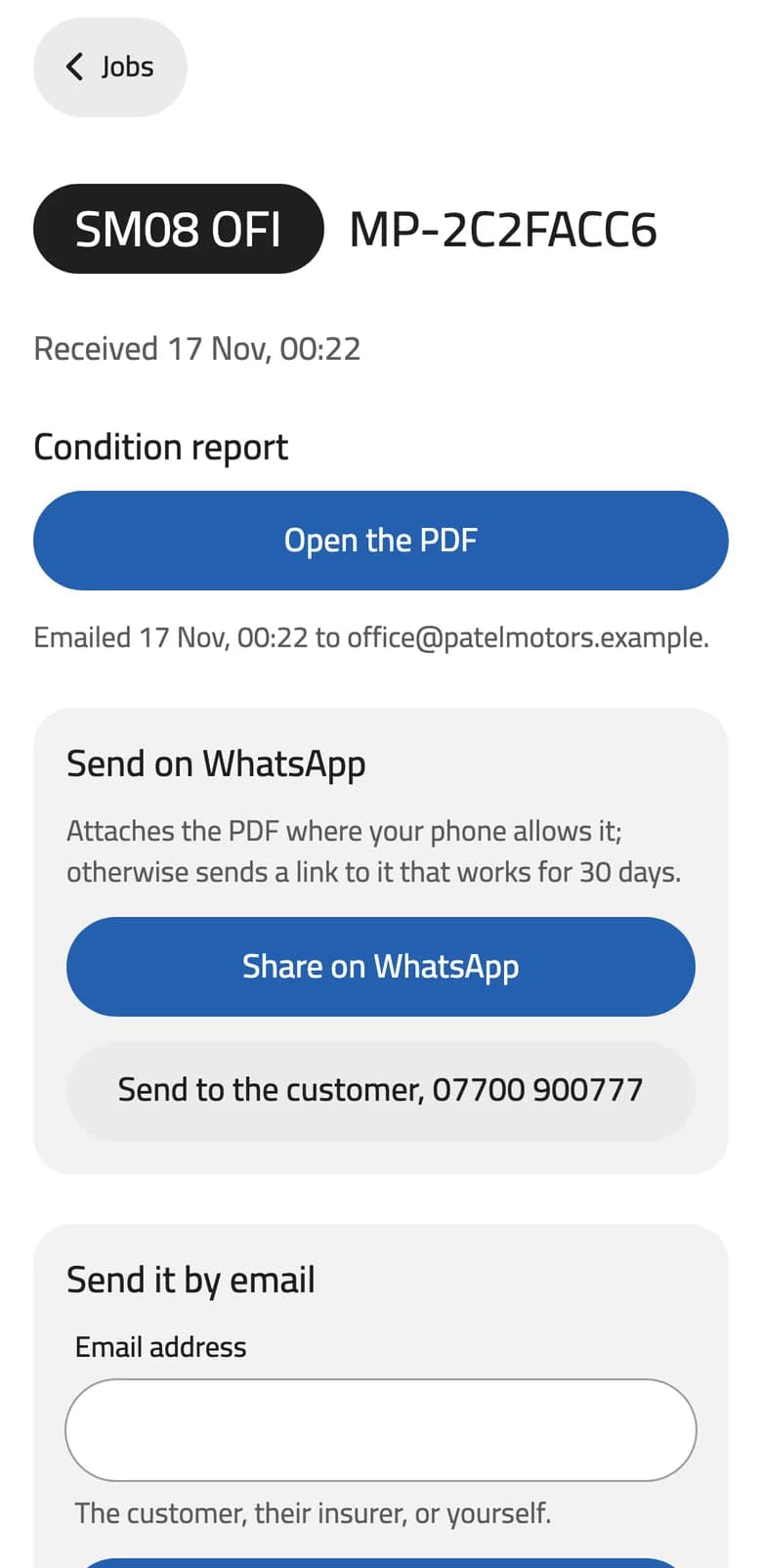
It doesn’t connect to your garage system, and you don’t have to change it. Keep booking jobs and invoicing where you do now. Download the PDF and keep it with the job card.
£50 a month for the business, owner included. £10 a month for each extra user. 14 days free and no card needed. No app store: you add it to your home screen from the browser.
The app shows you these steps when you open it.
The app shows you these steps when you open it.
Scan the code with your phone's camera, or start your account on this computer.
Phones can't add an app from inside WhatsApp, Facebook or Gmail. If this page opened there, open it in Safari (iPhone) or Chrome (Android) first.
